Choose your work time and step goal. StepAway gives you a heads-up, then covers your Mac screen while your work stays in place. Open StepAway on your iPhone or Apple Watch and take a walk. When your goal reaches the Mac, the cover steps aside. Emergency skip is there when you need it.
Mac + iPhone for setup · Apple Watch optional · Walks save to Apple Fitness
Requires macOS 14+ and iOS 17+ · Optional Watch requires watchOS 10+
Example setup, all adjustable. Launch Mac defaults (version 1.0, build 99): 45 minutes of work, a 5-minute warning and 1,000 steps.
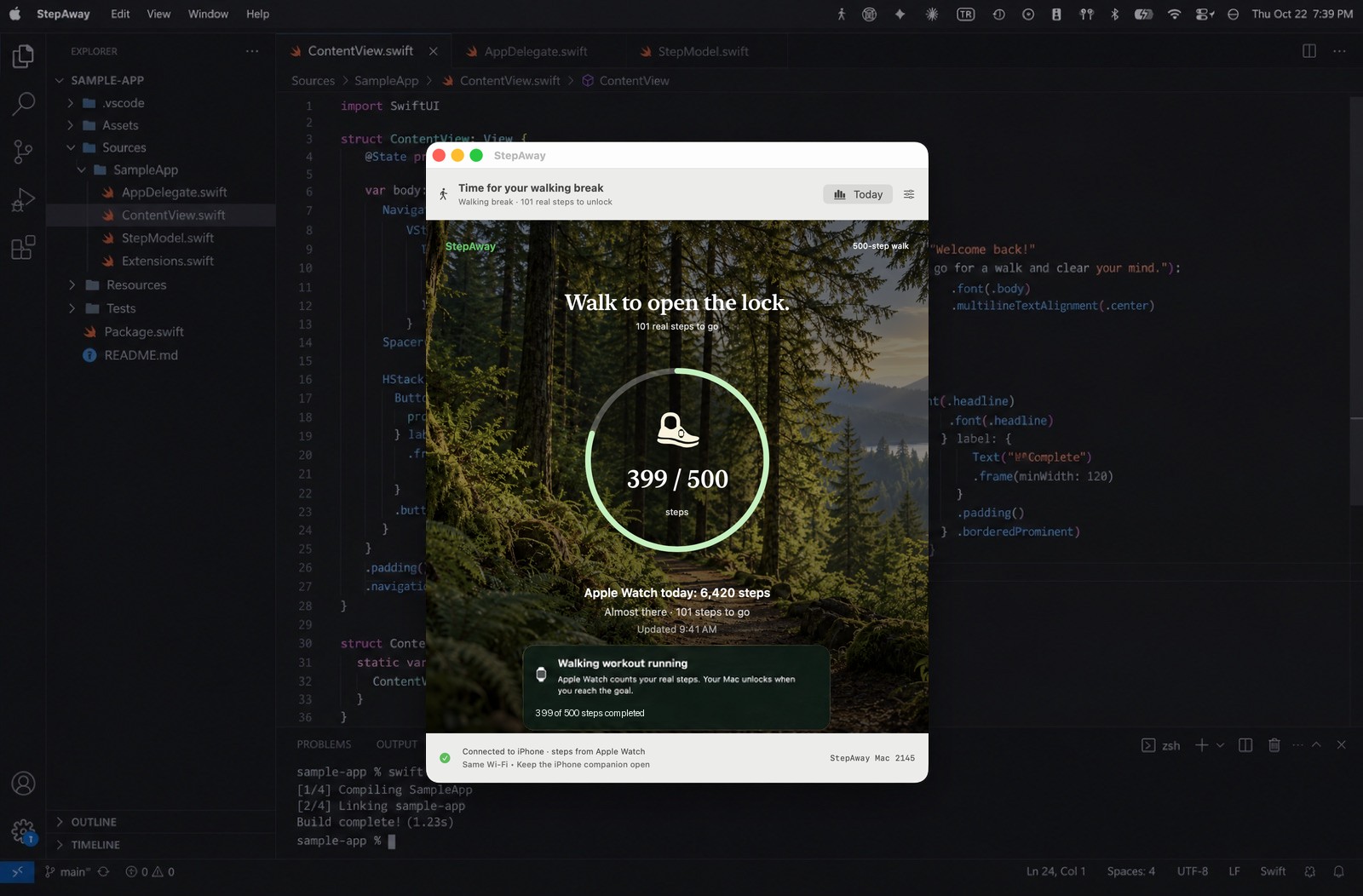
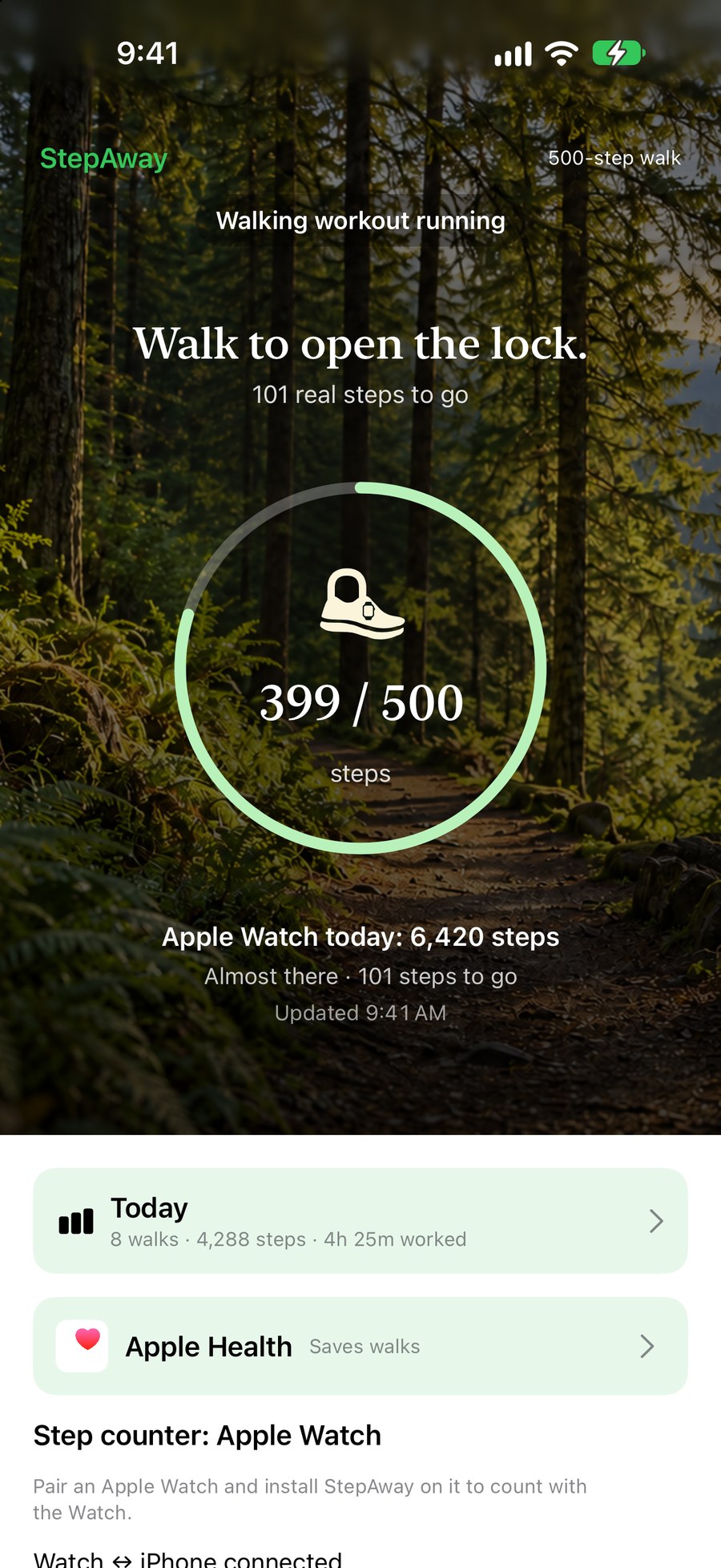
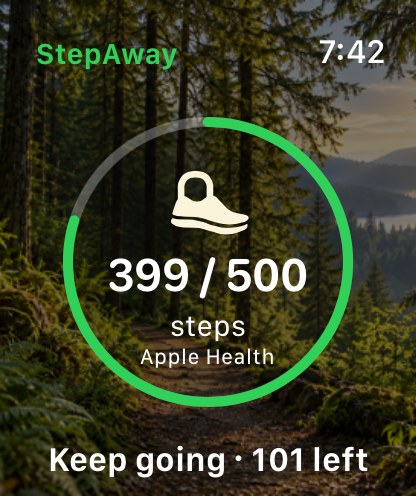
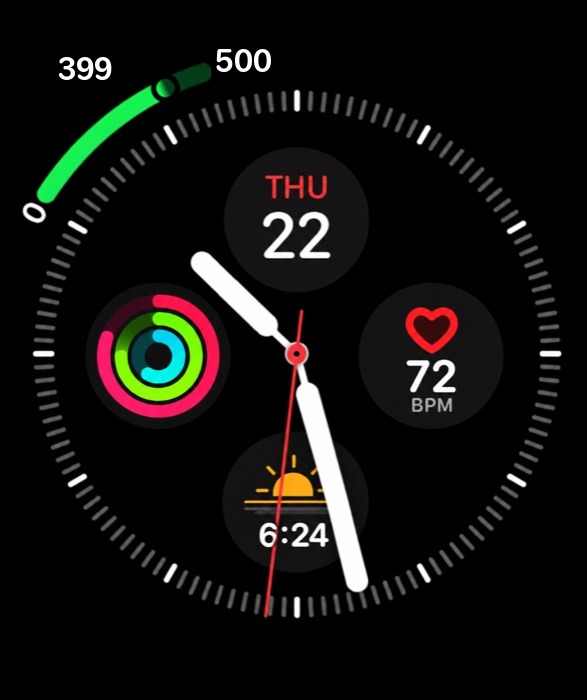
↔ One walk. Shared progress across your devices.
 Work
Use your Mac as usual. The timer pauses while you're away.
 Get ready
Finish your thought before the break cover appears. You choose the warning time.
 Walk to unlock
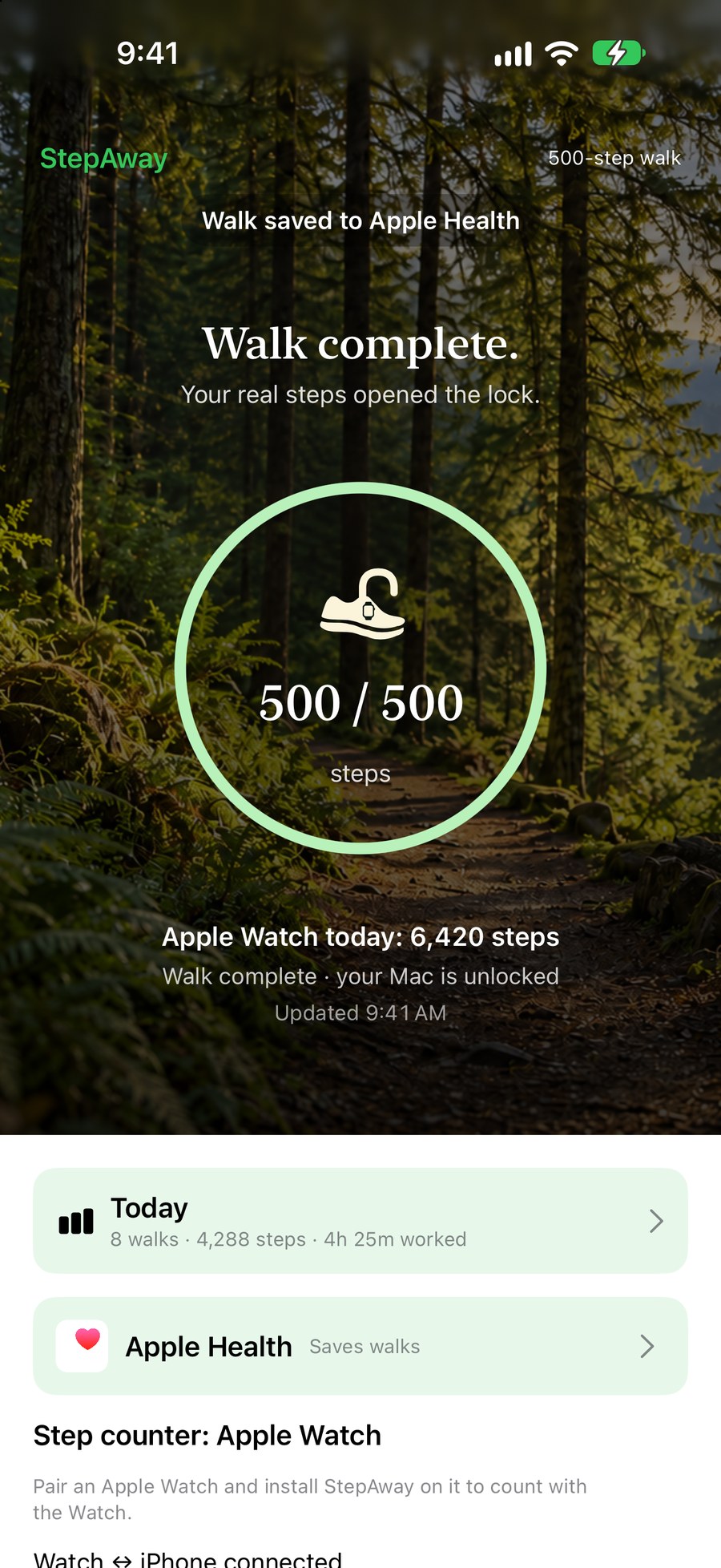
Open StepAway on your Watch or iPhone to start counting toward your goal.
 Return
When your goal reaches the Mac, StepAway steps aside and the next work period begins.
A 30-second look at a walking break, from your desk and back again.
Your break isn't just a number inside StepAway. On Apple Watch, each walk starts a real Walking workout, and when you reach your goal it is saved to the Fitness app and Apple Health.
Without an Apple Watch, carry your iPhone to count steps. Keep the iPhone app open and connected for reliable updates to the Mac. Your daily steps appear in Health as usual. StepAway only reads and saves what it needs, and never shares your health data.
Sitting for hours is hard on your body, even if you exercise. In a 2023 study at Columbia University, adults sat for eight hours and took short treadmill walks on different schedules: 1 or 5 minutes, every 30 or 60 minutes.
In this small study, five-minute walks every 30 minutes reduced the measured glucose response compared with uninterrupted sitting. All tested walking schedules reduced systolic blood pressure.
The study tested walking duration and frequency, not StepAway or a 500-step target. The 30-minute / 500-step setup shown here is an adjustable example, not a clinically validated prescription. Walking pace and step length vary.
Sources: Duran AT, Friel CP, Serafini MA, Ensari I, Cheung YK, Diaz KM. Breaking Up Prolonged Sitting to Improve Cardiometabolic Risk: Dose-Response Analysis of a Randomized Crossover Trial. Medicine & Science in Sports & Exercise, 2023;55(5):847–855 (PubMed). Columbia University Irving Medical Center news: Rx for Prolonged Sitting: A Five-Minute Stroll Every Half Hour (January 12, 2023).
The study involved 11 adults. StepAway is a wellness reminder, not a medical device.
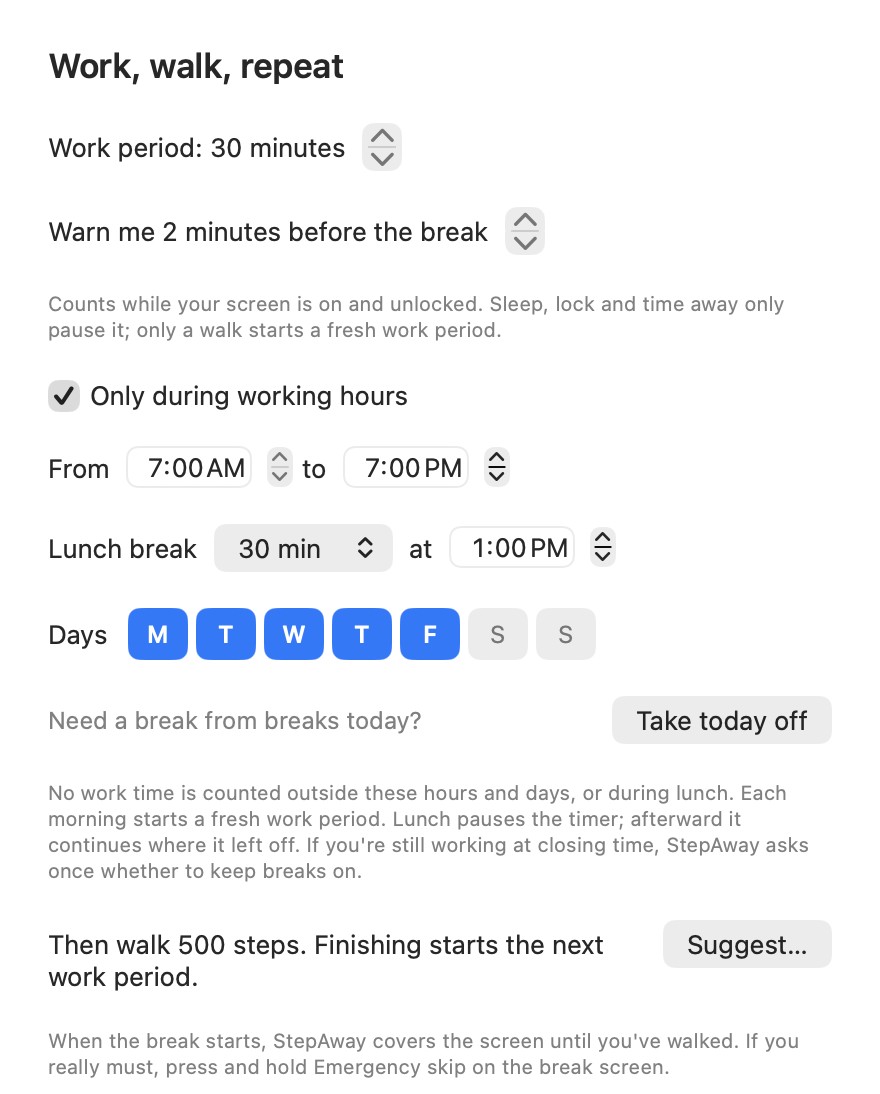
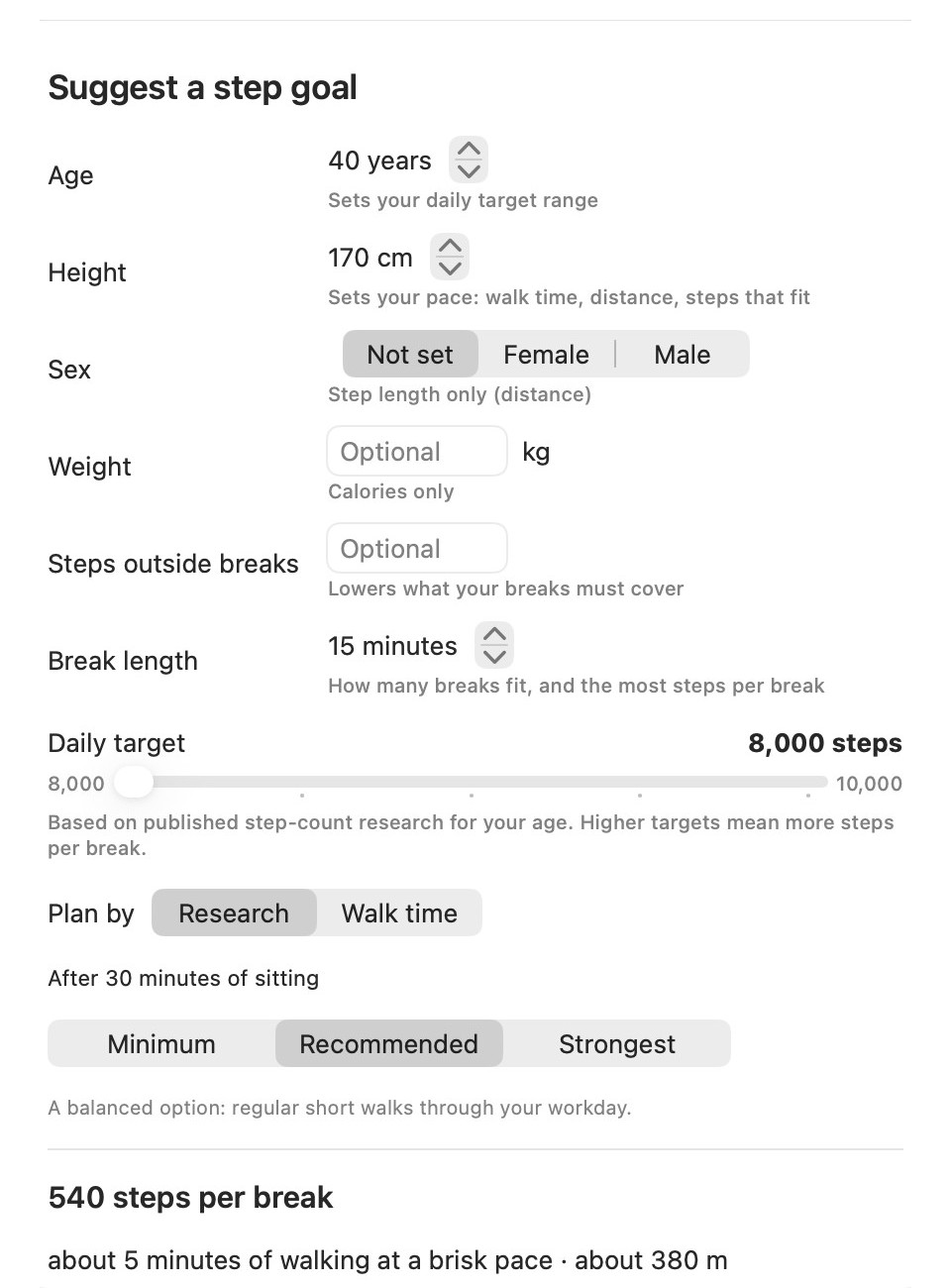
Choose the work period, warning and step goal that fit your day. The 30-minute / 500-step setup shown is one example; launch Mac defaults are 45 minutes / 1,000 steps.
I'm an engineer. My work happens in front of a screen, often for hours without a real break. Then I was diagnosed with high blood pressure, and all that sitting was no longer something I could ignore.
My Apple Watch told me to stand. I stood up, took a few steps, and a few seconds later it said "You did it." But I hadn't done anything. A few steps is not a break, and a reminder I could brush off didn't change my day. I needed a real solution.
There was a second push. At home I limit how long my child can use the iPad. One day I noticed I wasn't following my own rule: I set screen-time limits for my kid, then sat at my own screen all day with nobody telling me to stop.
So I built the rule I needed: earn your screen time by walking. When the work period ends, StepAway covers my Mac screen. I walk toward a goal counted by my Apple Watch or iPhone, then return to my work. Emergency skip is there when I need it. That's why it's called StepAway.
The founder of AirFly Studios
General wellness guidance, not medical advice. Ask your doctor what activity is right for you.
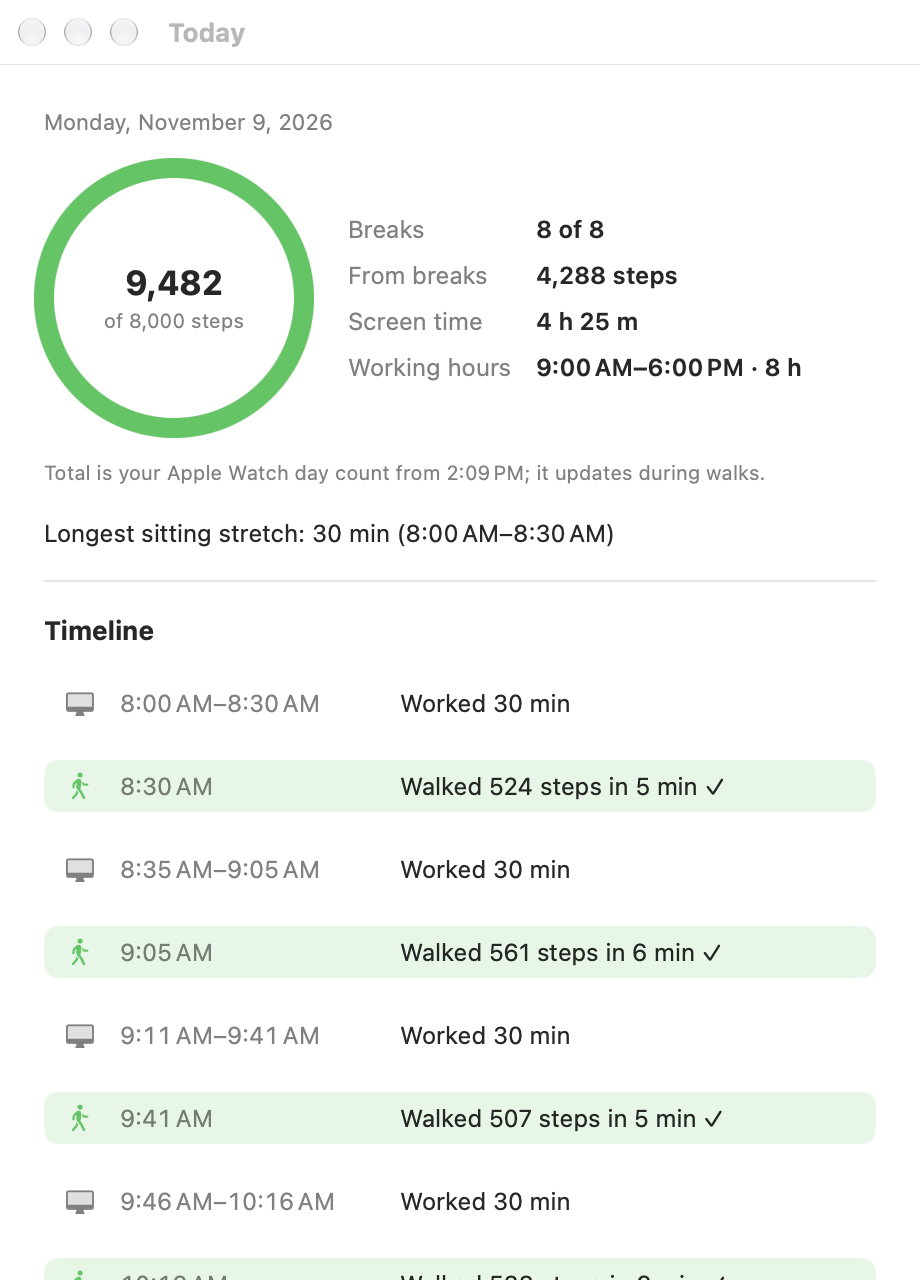
The Today report shows a healthier workday: regular breaks, real walks and no endless sitting.
Example report from a development build. Launch Mac build 99 does not yet include individual walking-session history. Working hours, lunch, days off and emergency skip let you fit breaks to your day.
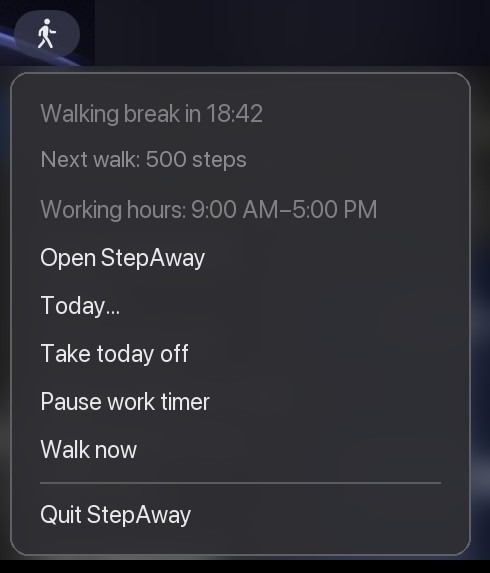
StepAway counts your work time on the Mac. After a warning, its break cover appears. Open StepAway on your Watch or iPhone and walk toward your chosen goal. When the goal reaches the Mac, StepAway steps aside. Emergency skip is available.
StepAway places its own break window over your dimmed desktop. It is separate from the macOS login lock, and your work stays in place. Reach your step goal or press and hold Emergency skip when needed. Force Quit, shut down and restart remain available.
A step goal encourages a walking break rather than a brief stand. You choose the goal; 500 steps is the example shown here. It is not intended to be cheat-proof, and Emergency skip is available.
Yes, when Apple Watch counts it. Each StepAway walk runs as a Walking workout on your Watch and is saved to the Fitness app and Apple Health when you reach your goal, so it also counts toward your Activity rings. With iPhone as the step source, your steps still appear in Health as part of your daily step count.
After setup, open StepAway on your Watch to start the walk; the Watch can report progress directly to your Mac over Bluetooth. Without a Watch, carry your iPhone and keep StepAway open and connected for reliable Mac updates.
If you use a Focus such as Work or Sleep, it may be silencing StepAway. On your iPhone open Settings → Focus, choose the Focus, then Apps, and turn on Time Sensitive Notifications (or add StepAway). Your Watch follows the iPhone's Focus settings. Your steps still count: open StepAway on your Watch and the walk picks up from when the break began.
Press and hold Emergency skip on the lock screen. You can also set working hours, lunch and days off, or Take today off.
Yes. Choose your work period, advance warning, working hours and days, and step goal. The launch Mac defaults are 45 minutes, a 5-minute warning and 1,000 steps. The 30-minute / 500-step setup shown is an example.
On iPhone, allow Motion & Fitness. On Apple Watch, allow Health and Workouts when asked. With iPhone as the step source, carry it while you walk and keep StepAway open and connected for reliable Mac updates.
Keep both on the same Wi-Fi, keep the iPhone app open, and allow Local Network on iPhone.
Your screen is not recorded. Motion counts steps, Bluetooth connects your devices, and workout permission supports Watch walks. Your step and time records stay on your devices. If you share analytics with app developers in your device settings, Apple sends us anonymous crash reports. See our Privacy Policy.
 AirFly Studios