Walking breaks for your Mac, with a step goal you choose and an emergency skip when needed. Facts, story, screenshots, an illustrated video and a one-page brief, free to use in coverage.
Updated 2026-11-13. Also as plain text: stepaway-facts.txt.
StepAway
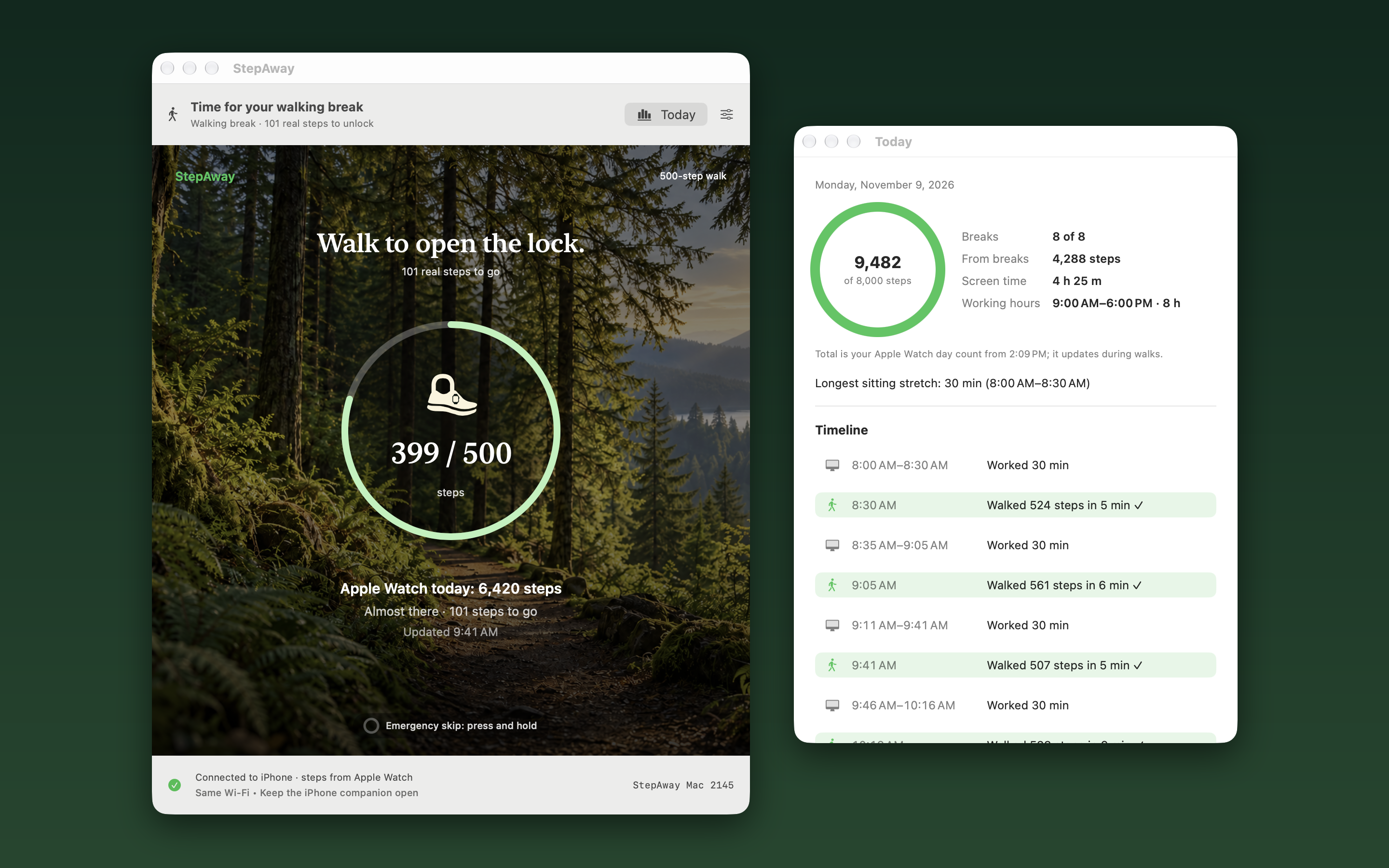
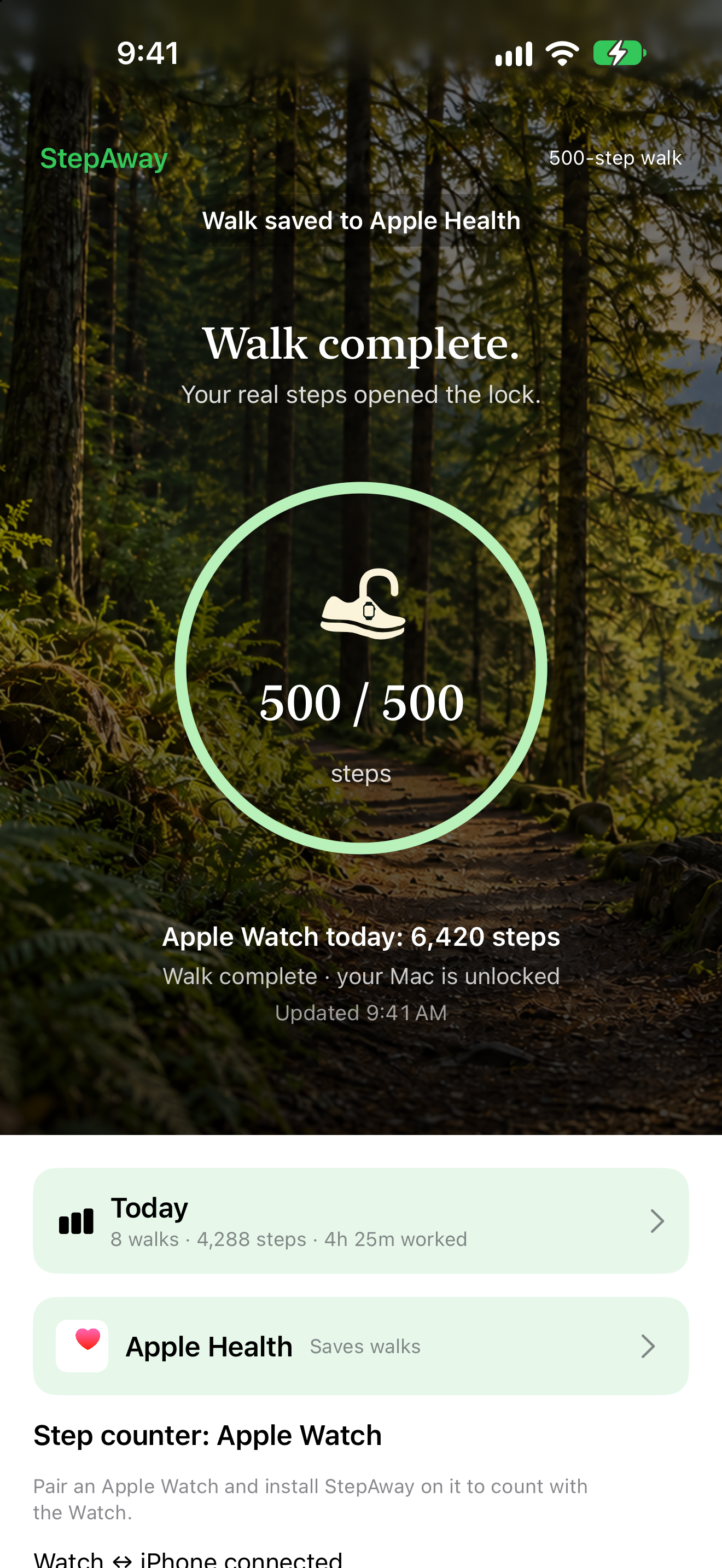
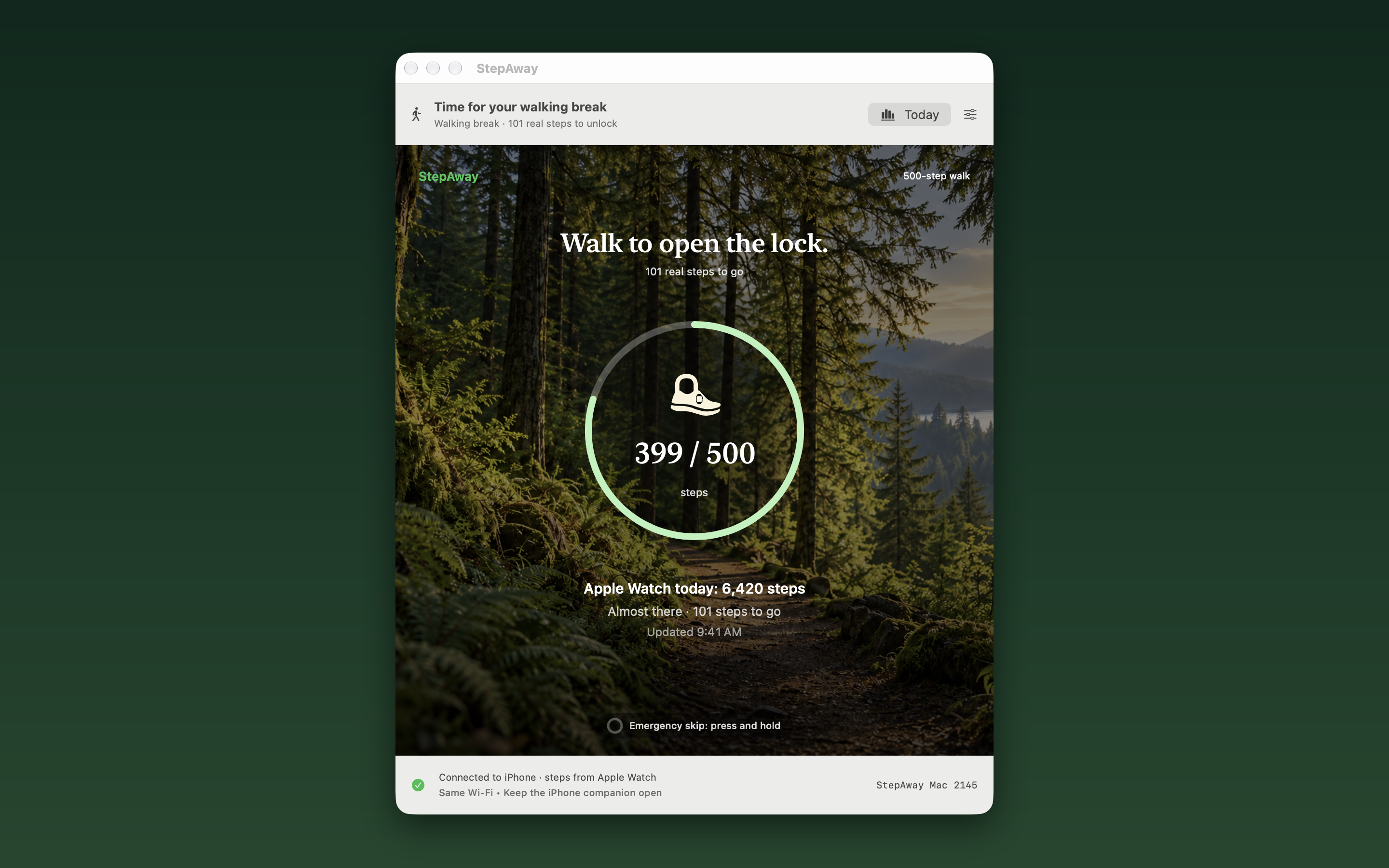
A walking-break app. At break time it covers your Mac screen. Reach your chosen step goal with an iPhone or Apple Watch and return to your work. Emergency skip is available when needed.
Version 1.0 (Mac build 99): 45-minute work periods, a 5-minute warning and a 1,000-step goal. All adjustable.
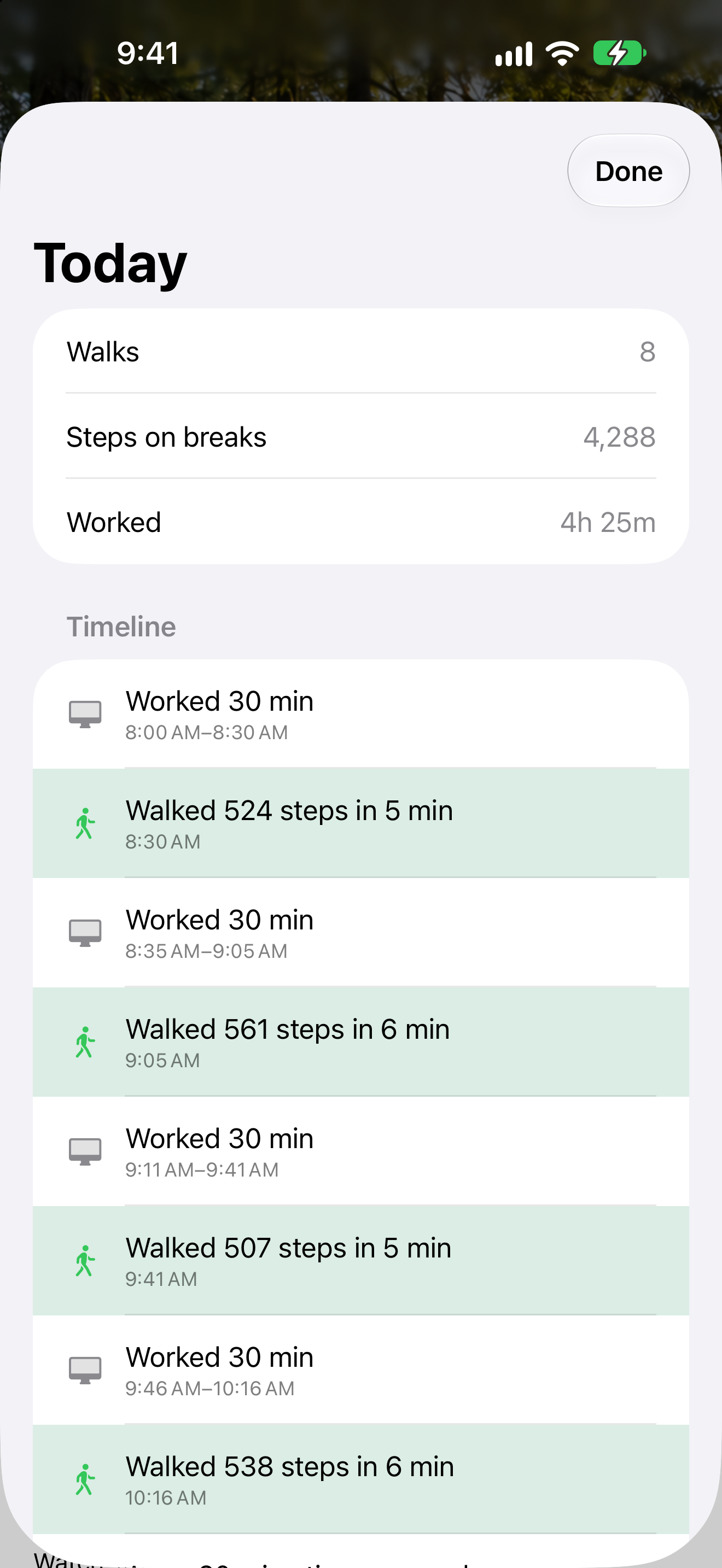
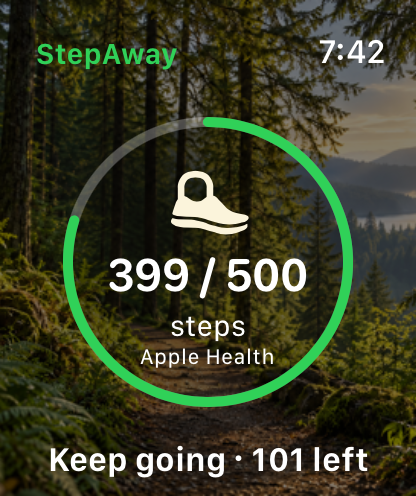
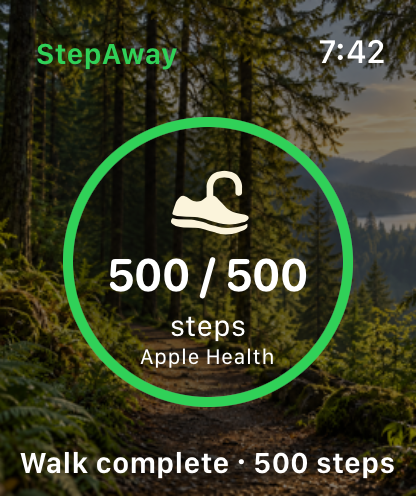
30-minute work periods, a 2-minute warning and a 500-step goal. This is a chosen example, not the launch defaults.
StepAway uses its own break window over a dimmed desktop, not the macOS login lock. Your work stays in place. Press and hold Emergency skip when needed; Force Quit remains available.
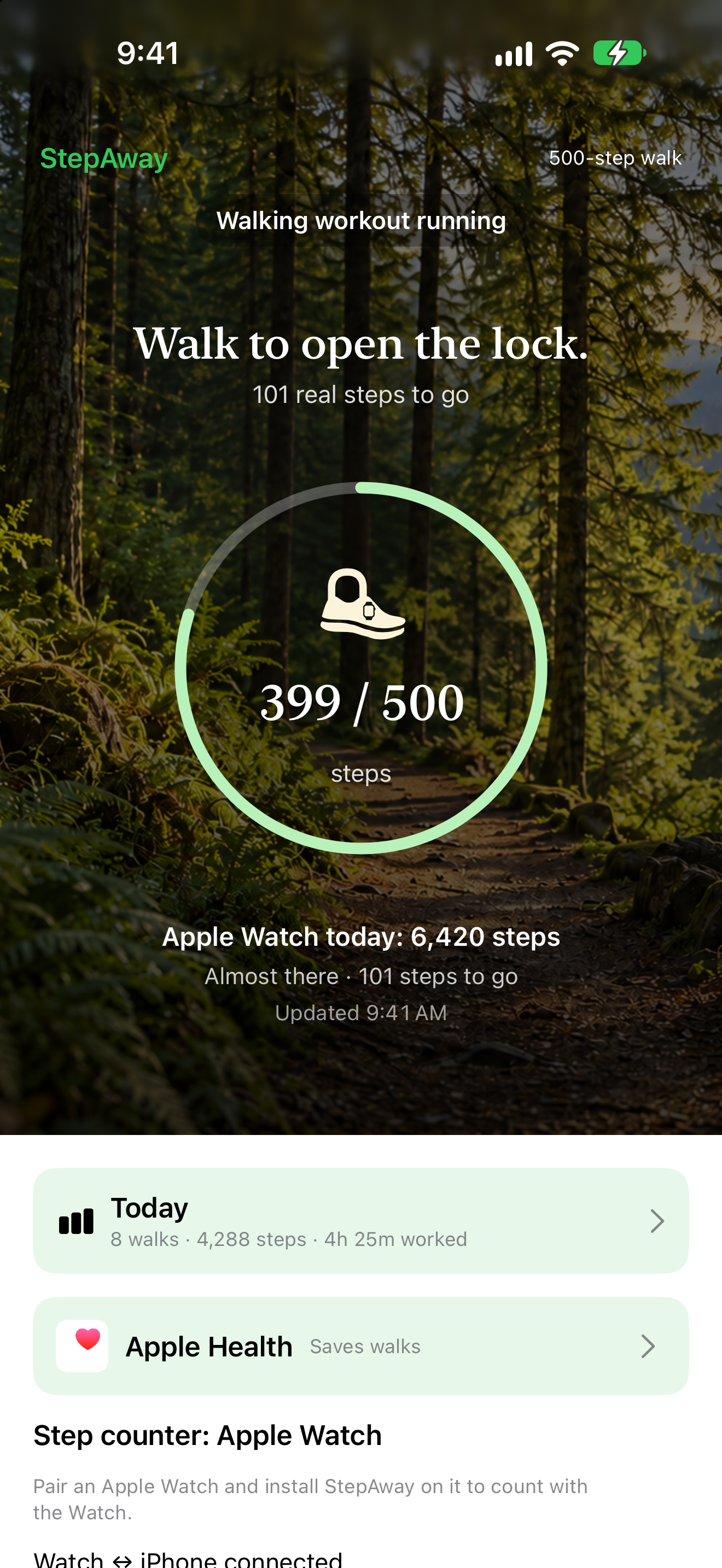
Open StepAway on your iPhone or Apple Watch to start the walk. For phone-only counting, keep the iPhone app open and connected for reliable Mac updates.
Mac (macOS), iPhone (iOS) and Apple Watch (watchOS). Android planned.
Free. No ads, no account, no tracking.
Available now on the App Store (version 1.0, released November 13, 2026).
On Apple Watch each walk is a Walking workout, saved to Fitness and Apple Health and counted toward Activity rings.
No screen recording. Steps, work time and settings stay on the user's devices.
AirFly Studios, the apps and games brand of AirFly LLC
San Jose, California, USA
support@airflystudios.com (subject: Press)
I'm an engineer. My work happens in front of a screen, often for hours without a real break. Then I was diagnosed with high blood pressure, and all that sitting was no longer something I could ignore.
My Apple Watch told me to stand. I stood up, took a few steps, and a few seconds later it said "You did it." But I hadn't done anything. A few steps is not a break, and a reminder I could brush off didn't change my day. I needed a real solution.
There was a second push. At home I limit how long my child can use the iPad. One day I noticed I wasn't following my own rule: I set screen-time limits for my kid, then sat at my own screen all day with nobody telling me to stop.
So I built the rule I needed: earn your screen time by walking. When the work period ends, StepAway covers my Mac screen. I walk toward my chosen step goal, counted by my Apple Watch or iPhone, and return to my work. Emergency skip is there when I need it.
Quote: "I set screen-time limits for my kid, then sat at my own screen all day. StepAway is the screen-time rule I needed for myself." (the founder of AirFly Studios)
A 2023 randomized crossover study by Duran and colleagues tested light walking breaks during prolonged sitting in 11 adults. Five-minute walks every 30 minutes reduced the measured glucose response compared with uninterrupted sitting; all tested walking schedules reduced systolic blood pressure. This study tested walking duration and frequency, not StepAway or a 500-step target. The optional 30-minute / 500-step setup is an adjustable example, not a clinically validated prescription. StepAway is a wellness reminder, not a medical device.
A 30-second illustrated walkthrough: work, warning, walk and return.
Illustrated demo: AI-generated photographic setting and walking poses, reconstructed animated app UI and example step counts. Time is compressed. This is not a live app recording or continuous walking footage. The 30-minute / 500-step setup is an adjustable example.
Full-size PNGs, free to use in coverage of StepAway. Please don't alter the app icon.
Interviews, review copies and TestFlight access on request. A real person answers.
 AirFly Studios